
Your first project
Create a blank project, choose where projects live on disk, and learn what the .multilo/ folder is for.
Everything in Multilo happens inside a project. Understanding what a project is makes the rest of the app click into place.
Create a project
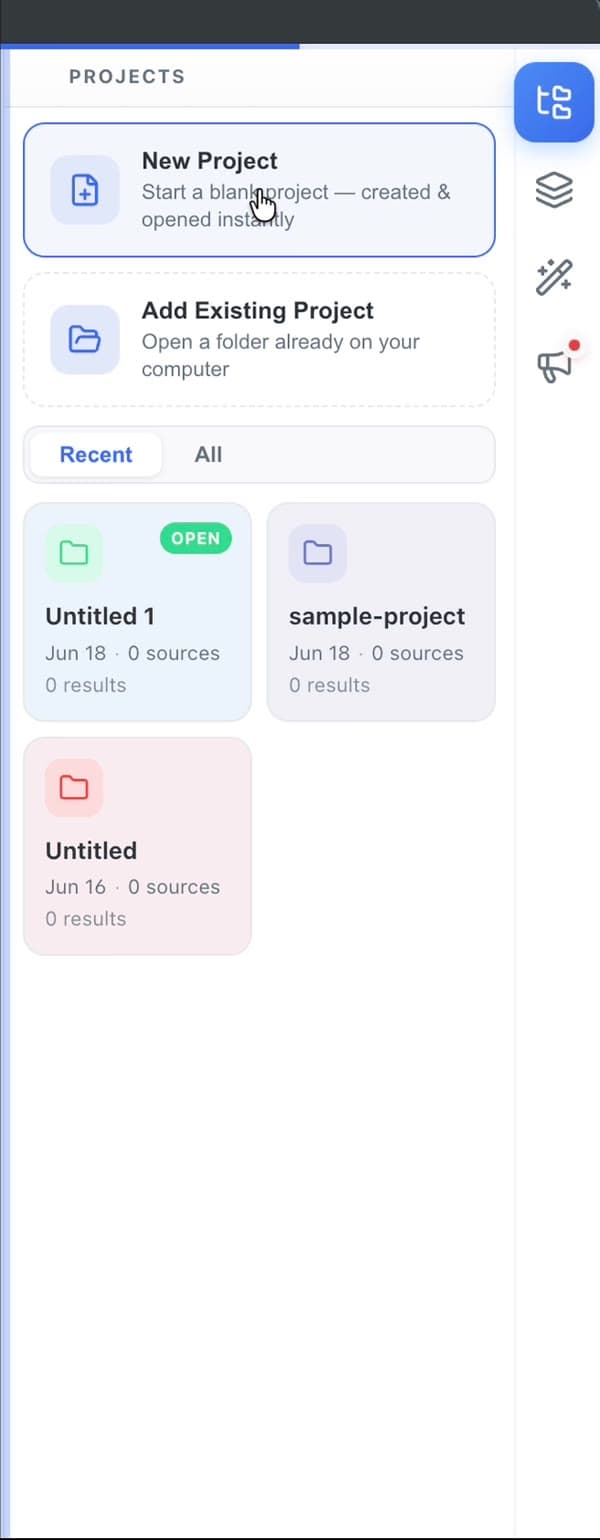
Click New Project. Multilo creates a fresh, empty project on disk and opens it — there’s no template to choose and nothing to configure. Give it a name (you can rename it later) and you have a workspace ready for your draft and your sources.
What’s in a project
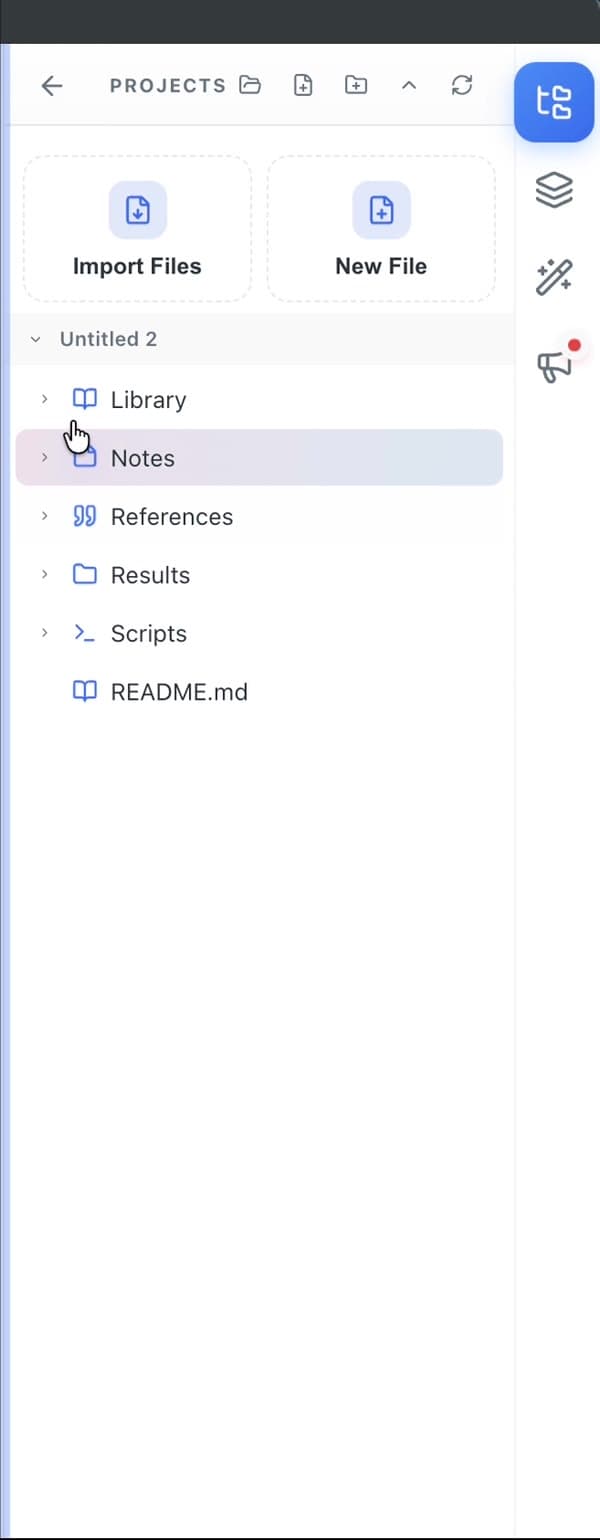
A project is a folder that holds the work for one piece of writing — a paper, a thesis chapter, an essay, a report — together with everything the AI needs to help with it:
- Your documents — the draft you’re writing, plus any Word, Markdown, or LaTeX files you open.
- Your library — the references, PDFs, and data files your agents cite and read from.
- Your notes — anything else you keep alongside the work.
Because the project is the unit of context, agents can see the whole project — not just the open paragraph — when they write, cite, or check your work.
The .multilo/ folder
Each project has a hidden .multilo/ folder where Multilo keeps per-project configuration and caches: your author voice and integrity rules, project instructions in AGENTS.md, agent memory, and the on-device search index. It travels with the project folder and is safe to commit to version control (the index is git-ignored).
You rarely edit it by hand
Multilo manages.multilo/ for you. The reference page explains every file if you want to customize it.Where projects live
By default, new projects are created in a folder you can set under Settings. Point it at your Documents folder, a synced drive, or a Git repository — wherever you keep your work. Each project is an ordinary folder, so you can move, back up, or share it like any other.